
Why Weekly Meal Planning Works
Meal planning works because it replaces reactive decisions with deliberate choices. Without a plan, most people default to convenience food, over-purchase at the grocery store, or throw out ingredients that go unused. With a weekly meal planner, you:
- Decide what to eat when you're calm and rational — not hungry and rushed.
- Buy only what you'll actually use, reducing food waste by 20–30% on average.
- Save 2–3 hours per week otherwise spent on daily 'what to cook' decisions.
- Eat more varied, nutritious meals rather than rotating through the same four dishes.
- Reduce grocery spending by buying with a list rather than browsing.
The key is a food planner that integrates with your recipe collection so you can build plans from recipes you already know and enjoy — not generic meal templates.
How to Plan Meals for the Week
Effective weekly meal planning follows a simple process:
Step 1: Review What You Already Have
Before planning new recipes, check your pantry, fridge, and freezer. Base some of your week's meals around ingredients you need to use. This reduces waste and lowers grocery costs.
Step 2: Choose Recipes for Each Day
In RecipeFlow's meal planner, assign recipes from your collection to each day of the week. Plan for different effort levels: quick weeknight dinners (30 min or less) on busy days, longer recipes on weekends. Include a batch-cooking session on Sunday if you meal prep for the week.
Step 3: Set Serving Sizes
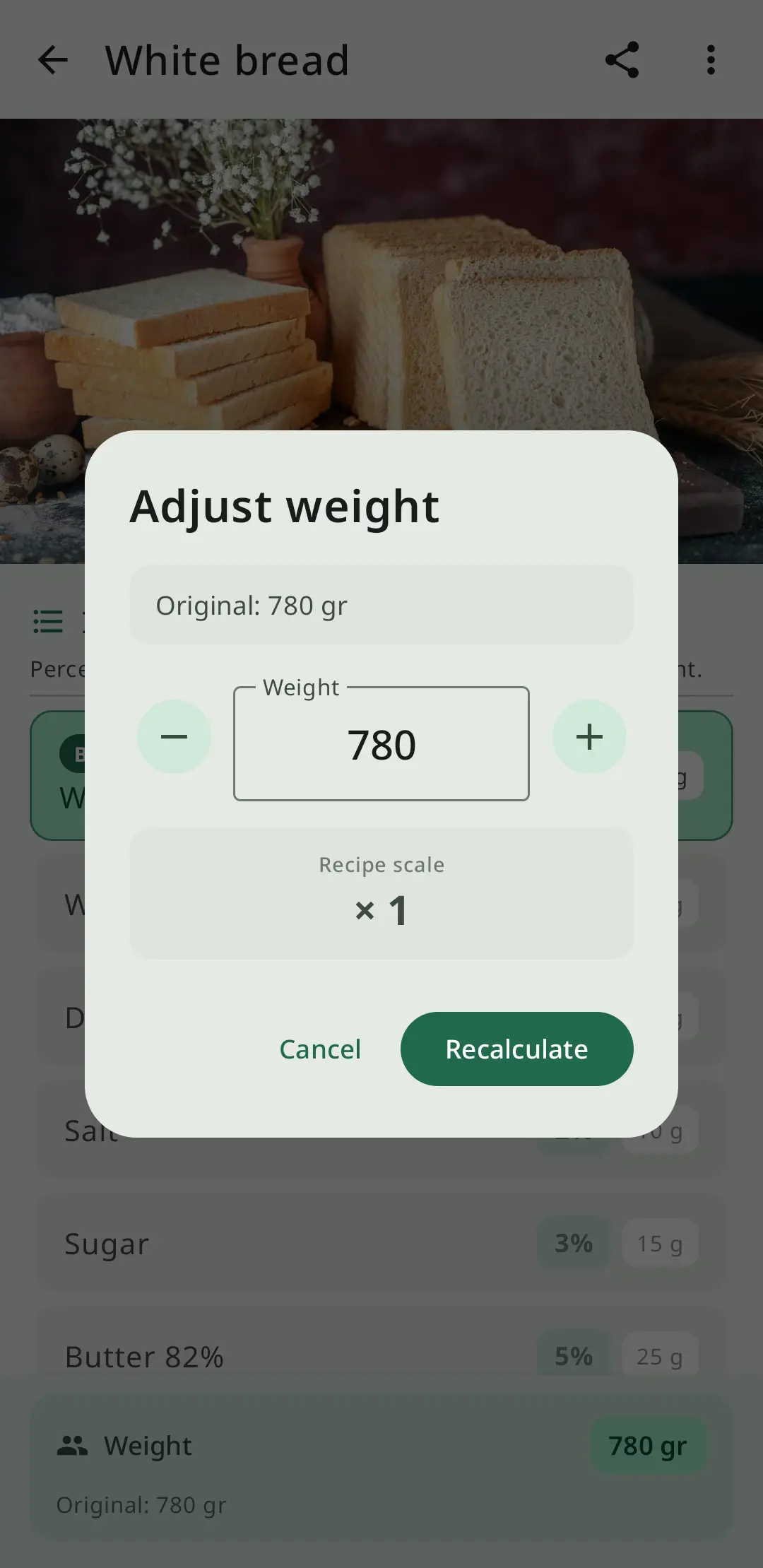
For each recipe in the plan, specify how many servings you need. If a dinner recipe normally serves 4 but you're cooking for 2 with leftovers for lunch the next day, adjust to 2 or 4 as fits your plan. RecipeFlow's serving calculator updates ingredient quantities automatically.
Step 4: Generate the Shopping List
Once your week is planned, RecipeFlow consolidates all ingredient quantities across all recipes into a single shopping list. If Tuesday's pasta and Thursday's pizza both need canned tomatoes, the list shows the total amount needed — not duplicated entries. Organize the list by supermarket section to shop efficiently.
Meal Prep vs. Meal Planning
Meal planning is deciding what you'll cook. Meal prep is preparing components in advance — washing vegetables, cooking grains, marinating proteins — so weeknight cooking takes 15 minutes instead of 45. They work best together.
A typical meal prep workflow with RecipeFlow:
- Plan the week's meals in the app on Friday or Saturday.
- Generate the shopping list and shop on Saturday or Sunday.
- On Sunday, prep components for the first 3–4 days: cook a large batch of rice or pasta, roast a tray of vegetables, cook proteins that can be repurposed.
- During the week, assemble meals from prepped components using your saved recipes as guides.
This approach cuts weeknight cooking time dramatically and makes healthy eating easier to sustain.
Planning for Special Diets and Multiple Household Members
Households rarely have one set of dietary needs. One person may be vegetarian, another avoiding gluten, and children may have specific preferences. RecipeFlow's dinner planner handles this through its recipe organization system.
Use tags to mark recipes by dietary type (vegan, gluten-free, dairy-free) and filter your recipe collection when building the week's plan. Plan shared meals where everyone can eat the same dish, and identify days where you need to prepare separate components for different household members.
This is far more effective than trying to manage dietary requirements reactively at dinner time.
Using RecipeFlow as Your Weekly Food Planner
RecipeFlow integrates meal planning with your recipe collection rather than treating them as separate systems. The result is a food planner that:
- Draws on recipes you've already saved and tested.
- Adjusts ingredient quantities automatically based on serving sizes.
- Generates shopping lists without manual ingredient entry.
- Lets you reuse successful meal plans from previous weeks.
Unlike standalone meal planning apps that require you to re-enter recipes, RecipeFlow's planner works directly with your existing cookbook — so the more recipes you save, the more powerful the planner becomes.