
The Problem With Scattered Recipes
Most home cooks accumulate recipes from dozens of sources: websites, cookbooks, family members, food videos, and their own experiments. Over time this creates a chaotic mix of browser bookmarks that go dead, screenshots impossible to search, handwritten cards that get lost, and apps that don't talk to each other.
A dedicated recipe keeper solves this by being the single destination for every recipe you want to save. Whether you find a recipe online, copy it from a book, or create your own, it all goes into one organized recipe manager that travels with you on your phone.
What a Good Recipe Organizer Should Do
Not all recipe apps are equal. A truly useful recipe organizer should:
- Let you add any recipe — from any source, not just a curated library.
- Be searchable — find recipes by name, ingredient, or tag in seconds.
- Support flexible organization — categories, tags, collections, and favorites.
- Sync to the cloud — so your recipes are safe and available on any device.
- Scale recipes — adjust servings without manual math.
- Show you what to cook — based on what you have or what you've planned.
RecipeFlow does all of this in a clean, fast interface designed for home cooks, not professional chefs.
Organizing Your Recipe Collection
A good organization system makes finding the right recipe effortless. RecipeFlow gives you multiple layers of organization:
Categories
Assign each recipe a category: Breakfast, Lunch, Dinner, Desserts, Snacks, Drinks, Baking, and any custom category you create. Browse by category to quickly find what you need for any meal.
Tags
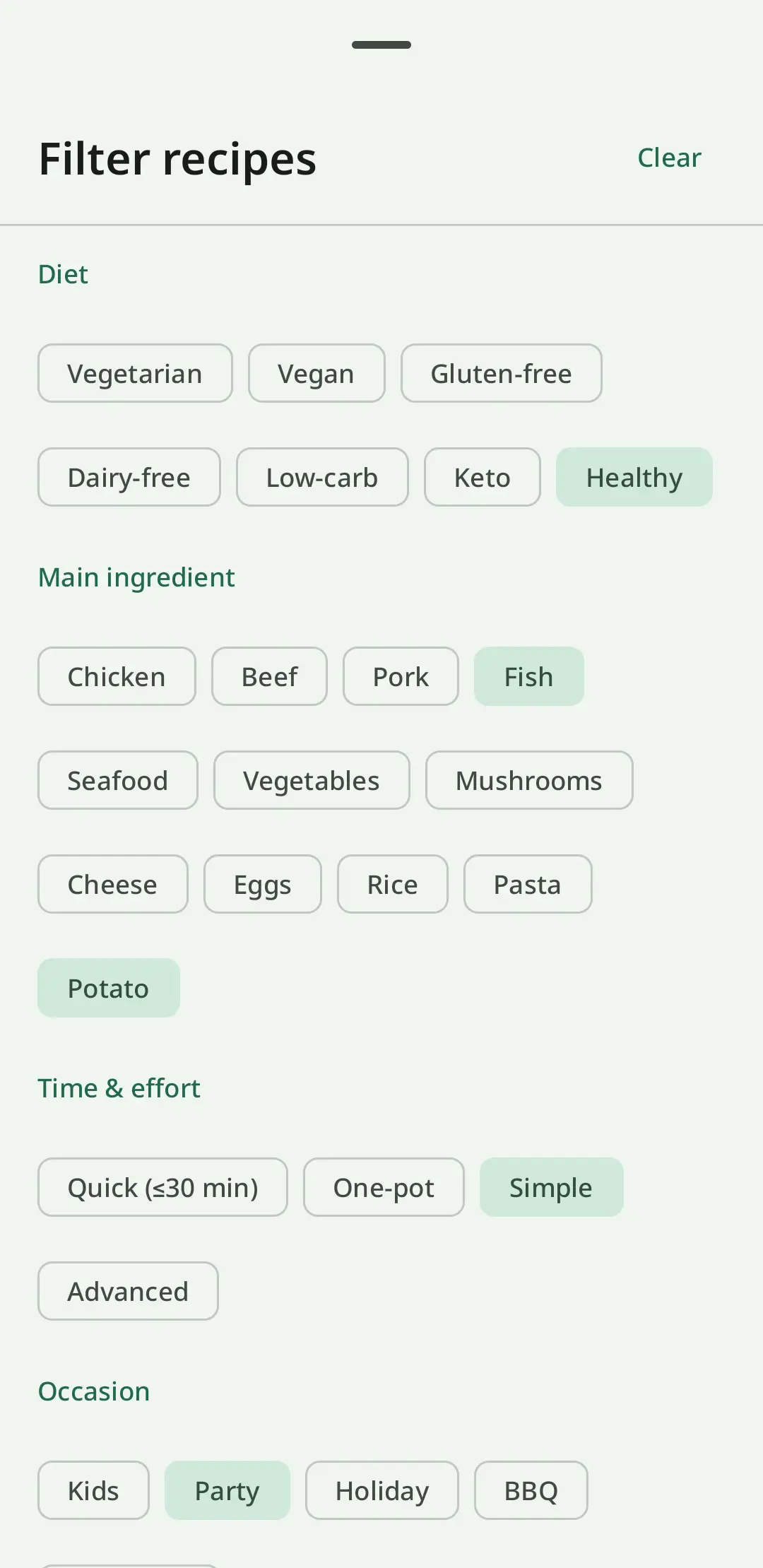
Tags let you cross-categorize recipes by dietary type (vegan, gluten-free, dairy-free), cooking method (slow cooker, one-pot, no-bake), cuisine (Italian, Mexican, Asian), occasion (weeknight, Thanksgiving, birthday), or any custom label that makes sense to you.
Collections
Collections are curated groups of recipes you assemble for a specific purpose: 'Meal prep Sunday', 'Holiday cookies 2024', 'Recipes from Mom'. Collections are separate from categories — one recipe can belong to multiple collections.
Search
Full-text search across recipe names, ingredients, and notes. If you remember that a recipe uses tahini but can't recall the name, search 'tahini' and find every matching recipe in your collection.
Digital vs. Physical Recipe Books
Physical recipe books and cards have charm — but they have real limitations as a recipe storage system. A digital recipe keeper wins on every practical dimension:
- Search: Find any recipe in seconds vs. flipping through pages.
- Scaling: Automatic vs. pencil-and-paper math.
- Space: Unlimited storage vs. physical shelf space.
- Backup: Cloud sync vs. hoping the notebook doesn't get damaged.
- Accessibility: Available on your phone anywhere vs. left at home on the shelf.
- Updates: Edit and improve recipes over time vs. scratching out and rewriting.
RecipeFlow combines the personal, hand-crafted quality of a physical cookbook — where you add your own recipes, notes, and photos — with the convenience of a fully digital recipe box.
Cloud Backup and Sync: Never Lose a Recipe Again
The greatest risk with a physical or offline recipe collection is loss. A spilled drink, a lost phone, a corrupted SD card — and your entire culinary library is gone. RecipeFlow backs up your recipe collection to the cloud automatically.
Cloud sync means:
- Your recipes are safe even if your phone is lost or broken.
- You can access your cookbook on a new device without any manual transfer.
- Your recipe collection is always up to date.
This makes RecipeFlow not just a recipe saver, but a permanent, secure home for your cooking knowledge.
Building Your Personal Cookbook in RecipeFlow
Your personal cookbook in RecipeFlow grows as you cook. Start with a handful of go-to recipes and gradually build a collection that reflects your cooking style and family favorites.
Each recipe in RecipeFlow can include:
- Recipe name and description
- Ingredient list with quantities and units
- Step-by-step instructions
- Serving size and yield
- Prep time and cook time
- Category, tags, and collection assignments
- Personal notes (variations, what worked, what to change)
- Nutrition information (calculated automatically)
This structure makes every recipe in your recipe manager fully functional for cooking — not just a text dump you have to reformat every time you use it.